

Electronic checks, also known as e-checks, have revolutionized the way we make payments in today’s digital age. With the advancement of technology, traditional paper checks are becoming less common, and electronic checks are taking their place.
This article will provide a comprehensive guide on how to send an electronic check, covering everything from understanding the basics of electronic check processing to ensuring security and fraud prevention in electronic check transactions.
Understanding the Basics of Electronic Check Processing
Before diving into the process of sending an electronic check, it is essential to understand how electronic check processing works. When you send an electronic check, the payment information is transmitted electronically, eliminating the need for a physical check to be printed, signed, and mailed. Instead, the payment information is encrypted and securely transmitted through the Automated Clearing House (ACH) network.
The ACH network acts as the intermediary between the sender and the receiver of the electronic check. It processes the payment information, verifies the availability of funds, and transfers the funds from the sender’s account to the receiver’s account. This process typically takes one to two business days, making electronic checks a convenient and efficient payment method.
Setting Up Your Account for Electronic Check Payments
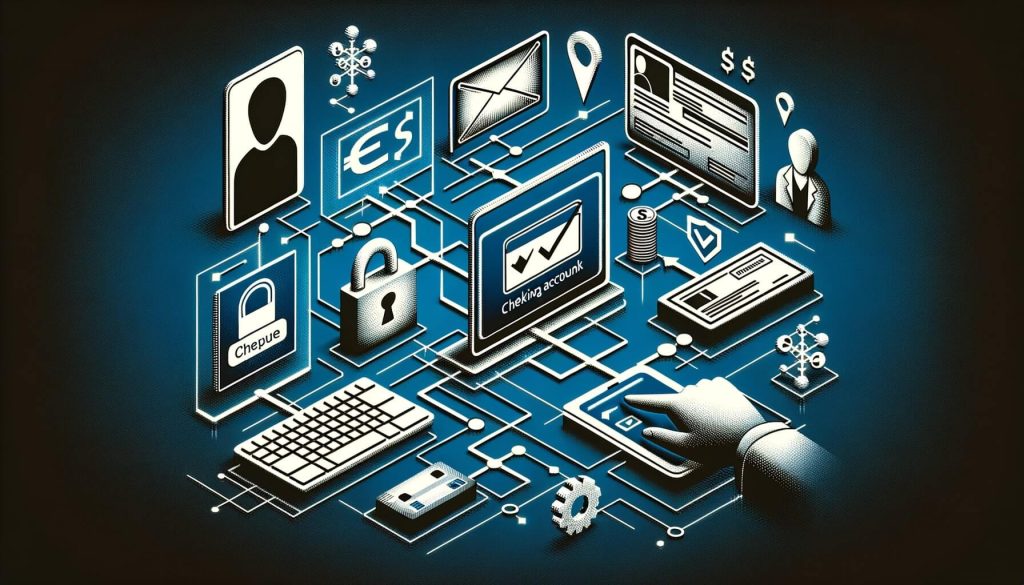
To send an electronic check, you need to have an account that supports electronic check payments. Most banks and financial institutions offer this service, but it is essential to check with your bank to ensure that they support electronic check processing. If your bank does not offer this service, you may need to consider alternative options such as third-party payment processors or online payment platforms.
Once you have confirmed that your bank supports electronic check payments, you will need to set up your account for this service. This typically involves providing your bank with the necessary information, such as your account number and routing number, to link your account to the ACH network. Your bank will guide you through the setup process and provide you with any additional instructions or requirements.
Step-by-Step Guide: How to Send an Electronic Check
Now that you have set up your account for electronic check payments let’s dive into the step-by-step guide on how to send an electronic check.
Step 1: Gather the necessary information – Before initiating an electronic check payment, you will need to gather the necessary information, including the recipient’s name, address, and bank account details. It is crucial to ensure that you have accurate and up-to-date information to avoid any payment errors or delays.
Step 2: Access your online banking platform – Log in to your online banking platform using your username and password. If you are using a third-party payment processor or online payment platform, access their website or mobile app.
Step 3: Navigate to the payment section – Once you have logged in to your online banking platform, navigate to the payment section. This may be labeled as “Bill Pay,” “Transfer Funds,” or something similar, depending on your bank’s interface.
Step 4: Enter the recipient’s information – Enter the recipient’s name, address, and bank account details in the designated fields. Double-check the information to ensure accuracy.
Step 5: Enter the payment amount – Enter the payment amount in the designated field. Make sure to double-check the amount to avoid any payment errors.
Step 6: Select the payment date – Choose the date on which you want the electronic check to be processed. Some banks may offer the option to schedule recurring payments if needed.
Step 7: Review and confirm the payment details – Review all the payment details, including the recipient’s information, payment amount, and payment date. Make any necessary changes or corrections before confirming the payment.
Step 8: Confirm the payment – Once you have reviewed and verified all the payment details, confirm the payment. Your bank will initiate the electronic check payment and provide you with a confirmation or reference number for future reference.
Step 9: Keep a record of the payment – It is essential to keep a record of the electronic check payment for your records. This can be done by saving the confirmation or reference number provided by your bank or taking a screenshot of the payment confirmation page.
Step 10: Monitor the payment status – After sending the electronic check, monitor the payment status through your online banking platform or the payment processor’s website or app. This will allow you to track the progress of the payment and ensure that it is processed successfully.
Ensuring Security and Fraud Prevention in Electronic Check Transactions
Security and fraud prevention are crucial aspects of electronic check transactions. While electronic checks offer convenience and efficiency, they also pose certain risks if not handled securely. Here are some measures you can take to ensure the security of your electronic check transactions:
1. Use secure and trusted platforms – When sending electronic checks, make sure to use secure and trusted platforms. This includes using reputable banks, financial institutions, or third-party payment processors that have robust security measures in place.
2. Protect your login credentials – Keep your online banking login credentials, such as your username and password, confidential and secure. Avoid sharing this information with anyone and regularly update your passwords to enhance security.
3. Enable two-factor authentication – Many online banking platforms offer two-factor authentication as an additional layer of security. Enable this feature to ensure that only authorized individuals can access your account and initiate electronic check payments.
4. Verify recipient information – Before sending an electronic check, verify the recipient’s information to ensure that it is accurate and up-to-date. This can help prevent any payment errors or fraudulent activities.
5. Monitor your account activity – Regularly monitor your account activity to detect any unauthorized transactions or suspicious activities. If you notice any discrepancies, report them to your bank immediately.
Benefits and Drawbacks of Using Electronic Checks
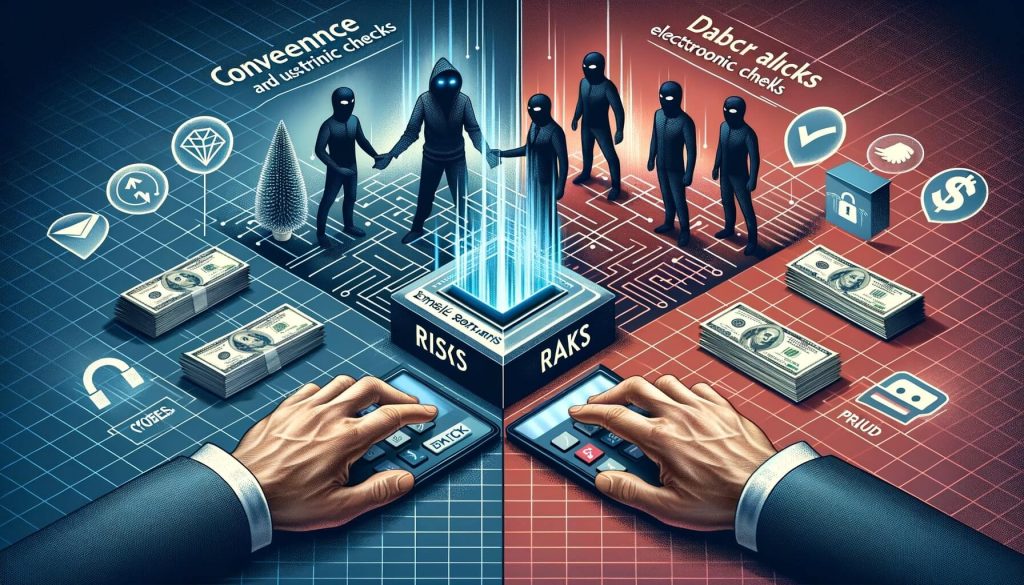
Using electronic checks offers several benefits, but it also has some drawbacks. Let’s explore both sides to help you make an informed decision:
Benefits of Using Electronic Checks:
1. Convenience – Electronic checks offer convenience by eliminating the need for physical checks, envelopes, and stamps. You can initiate payments from the comfort of your home or office, saving time and effort.
2. Cost-effective – Sending electronic checks is often more cost-effective than traditional paper checks. You can save on check printing costs, postage fees, and potential late payment fees.
3. Faster processing – Electronic checks are processed faster than paper checks. The funds are typically transferred within one to two business days, allowing for quicker payment settlements.
4. Environmentally friendly – By using electronic checks, you contribute to environmental sustainability by reducing paper waste and carbon emissions associated with mailing physical checks.
Drawbacks of Using Electronic Checks:
1. Dependency on technology – Electronic checks rely on technology and internet connectivity. If there are any technical issues or internet outages, it may disrupt the payment process.
2. Potential security risks – While electronic checks are generally secure, there is always a risk of security breaches or fraud. It is crucial to take necessary precautions to protect your account and personal information.
3. Limited acceptance – Not all businesses or individuals accept electronic checks. Some may prefer traditional payment methods or have limited capabilities to process electronic checks.
4. Lack of physical record – Unlike paper checks, electronic checks do not provide a physical record of the payment. It is essential to keep digital records or receipts for future reference.
Common Mistakes to Avoid When Sending Electronic Checks
When sending electronic checks, it is important to avoid common mistakes that can lead to payment errors or delays. Here are some common mistakes to avoid:
1. Incorrect recipient information – Double-check the recipient’s name, address, and bank account details to ensure accuracy. Sending the payment to the wrong recipient can result in payment errors or potential fraud.
2. Insufficient funds – Before sending an electronic check, ensure that you have sufficient funds in your account to cover the payment. Insufficient funds can lead to bounced checks and additional fees.
3. Incorrect payment amount – Double-check the payment amount to ensure accuracy. Sending an incorrect payment amount can cause payment discrepancies and may require additional follow-up.
4. Failure to schedule payments in advance – If you have recurring payments, make sure to schedule them in advance to avoid missing payment deadlines. Failure to do so can result in late payment fees or service disruptions.
5. Ignoring payment confirmations – After sending an electronic check, make sure to review and save the payment confirmation or reference number. Ignoring payment confirmations can make it difficult to track the payment status or resolve any payment-related issues.
Frequently Asked Questions about Electronic Check Payments
Q1: Are electronic checks safe to use?
A1: Yes, electronic checks are generally safe to use. However, it is important to take necessary precautions to protect your account and personal information. Use secure platforms, protect your login credentials, and monitor your account activity regularly.
Q2: How long does it take for an electronic check to clear?
A2: Electronic checks typically clear within one to two business days. However, the exact processing time may vary depending on the banks involved and any additional verification processes.
Q3: Can I cancel or stop an electronic check payment?
A3: In most cases, you cannot cancel or stop an electronic check payment once it has been initiated. It is important to review all payment details before confirming the payment to avoid any errors or discrepancies.
Q4: Can I send electronic checks internationally?
A4: Electronic checks are primarily used for domestic payments within the same country. International electronic check payments may not be widely supported, and alternative payment methods such as wire transfers may be more suitable.
Q5: What happens if an electronic check bounces?
A5: If an electronic check bounces due to insufficient funds or other reasons, the payment may be declined, and additional fees may be charged. It is important to ensure that you have sufficient funds in your account before initiating an electronic check payment.
Conclusion
In conclusion, electronic checks offer a convenient and efficient way to make payments in today’s digital age. By understanding the basics of electronic check processing, setting up your account for electronic check payments, and following the step-by-step guide provided in this article, you can easily send electronic checks with confidence.
While electronic checks offer numerous benefits such as convenience, cost-effectiveness, and faster processing, it is important to be aware of potential drawbacks and take necessary precautions to ensure security and fraud prevention. By avoiding common mistakes and staying informed about best practices, you can make the most of electronic check payments.
Embrace the convenience of electronic check payments and enjoy the ease and efficiency they bring to your financial transactions. With proper knowledge and understanding, electronic checks can become your preferred payment method, saving you time, effort, and money.